| HDDlife version 4 - HELP FILE | HDDlife | |
 | ||
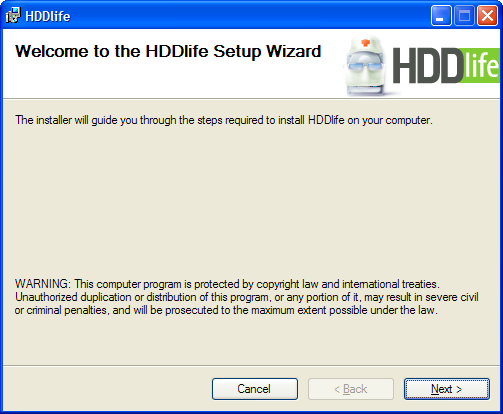
Installing the programThe HDDlife installation file is distributed in the Windows Installer format – a new format for installation files that has been introduced by Microsoft in Windows 2000. This format makes it much easier to install software and control it in the future and makes it possible to automatically update software and install it remotely on enterprise networks. To install HDDlife, run the HDDlife1.msi package and follow the instructions of the installation program.
Next – confirm changes in the current window (if there are any) and go to the next step. Back – go the previous step. Cancel – cancel the installation of HDDlife on your computer and exit the installation program. Finish – complete the installation of HDDlife on your computer. If you want to delete the program or restore its original settings in the future, open Control Panel – Add/Remove Programs. Find HDDlife in the list of programs and you will see buttons for removing or restoring it. | ||
 | ||
| © 2004-2024 - BinarySense, Inc. | Find error? Write to us! | HDDlife.com |